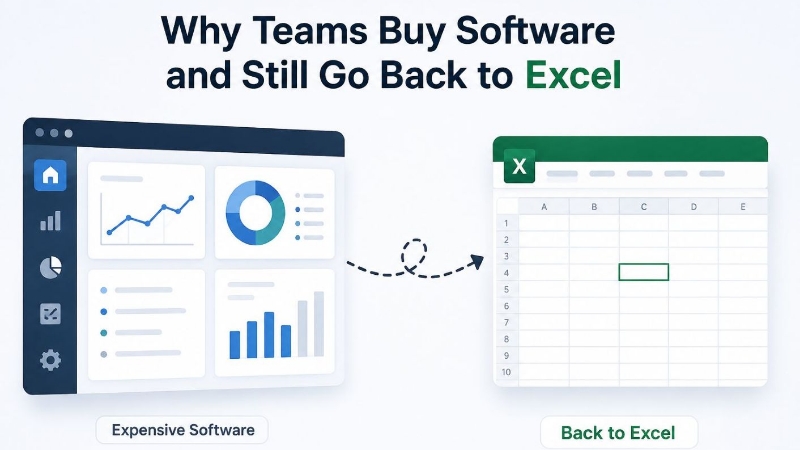
Excel is one of the most powerful business tools ever created.
It is flexible, familiar, and easy to start with. For many teams, Excel is where operations begin. A spreadsheet might track sales, manage inventory, calculate commissions, handle project planning, or even run an entire internal workflow.
And in the beginning, it works perfectly.
For one or two people, Excel can be fast, simple, and effective.
But as the spreadsheet becomes more important and more people begin using it, problems start to appear.
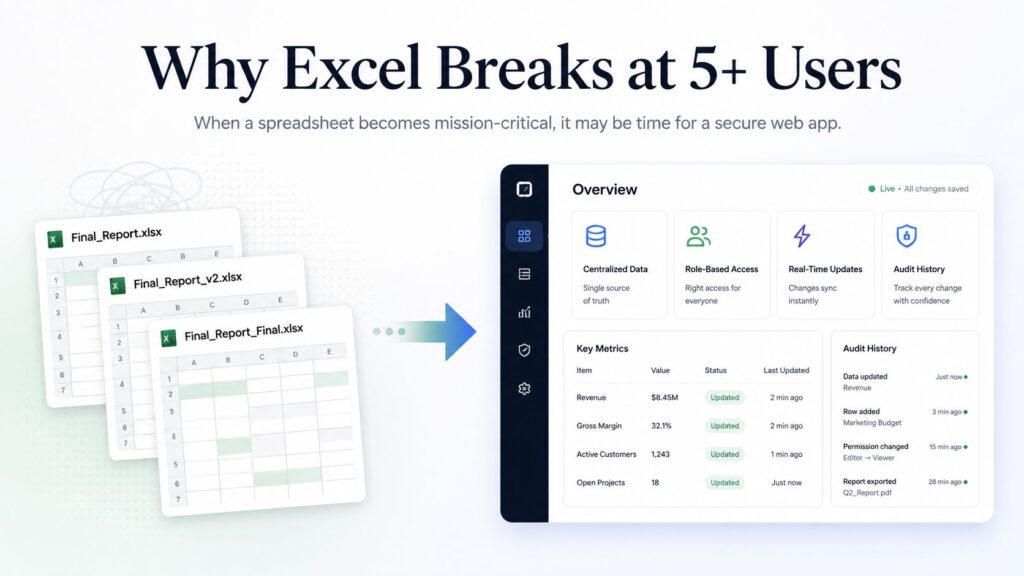
At around five or more users, many businesses begin to notice that Excel is no longer just a helpful tool. It has slowly become a fragile business system.
Excel Works Well Until It Becomes a Multi-User System
Excel was designed to help people organize, calculate, and analyze data.
It was not originally designed to act as a full multi-user application with permissions, audit trails, real-time updates, workflow controls, and data protection.
That is where the problem begins.
A spreadsheet may start as a simple internal file. Over time, more people need access to it. Then more tabs are added. More formulas are created. More rules are introduced. More versions are saved. Eventually, the spreadsheet becomes mission-critical.
At that point, the business is no longer “using Excel.”
The business is depending on Excel as a system.
And that is when the risks increase.
Common Problems That Start With 5+ Excel Users
When only one person owns a spreadsheet, there is usually less confusion. But once multiple users are editing, updating, and relying on the same file, several issues can quickly appear.
1. Version Conflicts
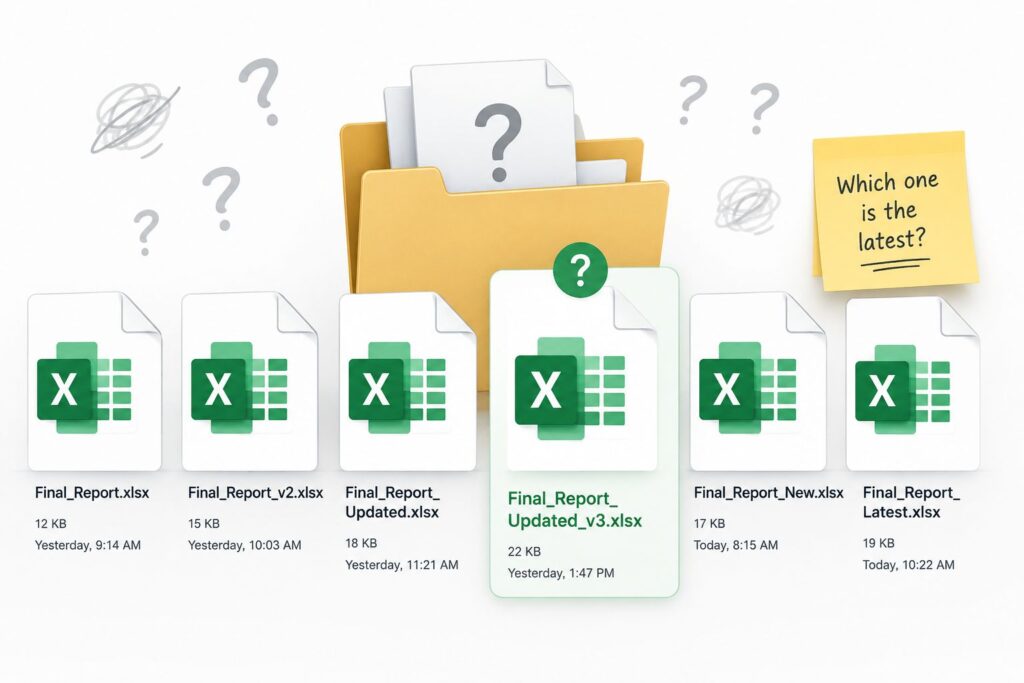
One of the most common problems is version confusion.
Someone saves a file as:
Final_Report.xlsx
Then another person creates:
Final_Report_Updated.xlsx
Then someone else creates:
Final_Report_Updated_New_Final.xlsx
Before long, nobody is completely sure which file is the correct one.
This can lead to wrong decisions, duplicated work, and lost time.
2. Broken Formulas
Excel formulas are powerful, but they are also easy to break.
A user may accidentally delete a cell, overwrite a formula, move a column, or paste data into the wrong place. One small mistake can affect reports, totals, dashboards, or calculations across the entire file.
The worst part is that these errors are not always obvious immediately.
By the time someone notices, the business may have already made decisions based on incorrect data.
3. No Clear Audit Trail
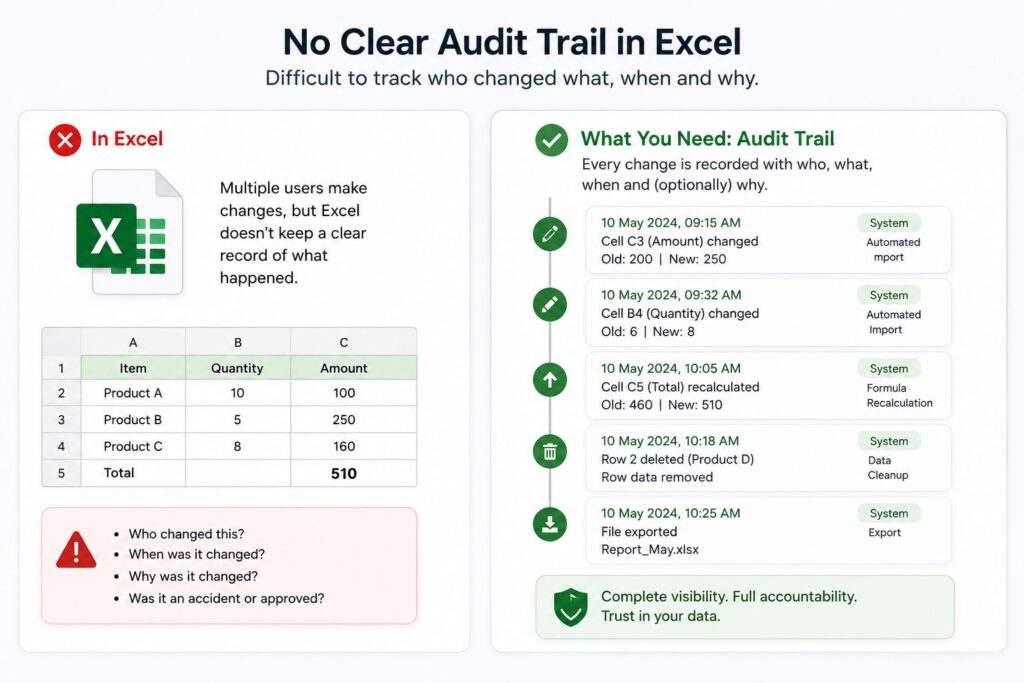
In a proper business application, you can usually see who changed what and when.
With Excel, that level of accountability is often limited or difficult to manage.
When something goes wrong, teams may struggle to answer basic questions such as:
Who changed this value?
When was this formula edited?
Why did this number change?
Was this an accident or an approved update?
Without a proper audit trail, it becomes difficult to maintain accountability and trust in the data.
4. Slower Performance as Data Grows
Spreadsheets often become slower as more data, formulas, formatting, and users are added.
A file that once opened instantly may begin to freeze, crash, or take several minutes to load. Complex formulas and large datasets can make the file harder to use and maintain.
This affects productivity and creates frustration for everyone relying on the spreadsheet.
5. Fragile Permissions and File Sharing
As the spreadsheet becomes more important, access control becomes more important too.
But Excel-based systems often rely on basic file-sharing permissions. This can create problems such as:
- Some users having too much access
- Sensitive data being visible to the wrong people
- Files being downloaded, copied, or emailed
- Old versions remaining in circulation
- No clear control over who can edit specific sections
For a mission-critical process, this can become a serious risk.
6. Higher Risk of Data Loss and Compliance Issues
When a spreadsheet controls an important business process, data loss becomes a real concern.
A file can be accidentally deleted, overwritten, corrupted, or shared with the wrong person. If the spreadsheet contains sensitive business or customer data, this may also create compliance and security concerns.
The more important the spreadsheet becomes, the more dangerous these risks become.
The Real Problem Is Not Excel
Excel is not the problem.
Excel is excellent for analysis, calculations, reporting, planning, and quick internal tools.
The real problem happens when Excel is used beyond its natural limits.
When a spreadsheet becomes the central place where multiple people enter data, approve work, manage workflows, and make business decisions, it has effectively become a software application.
But it does not have the structure, security, or reliability of a proper application.
That gap creates risk.
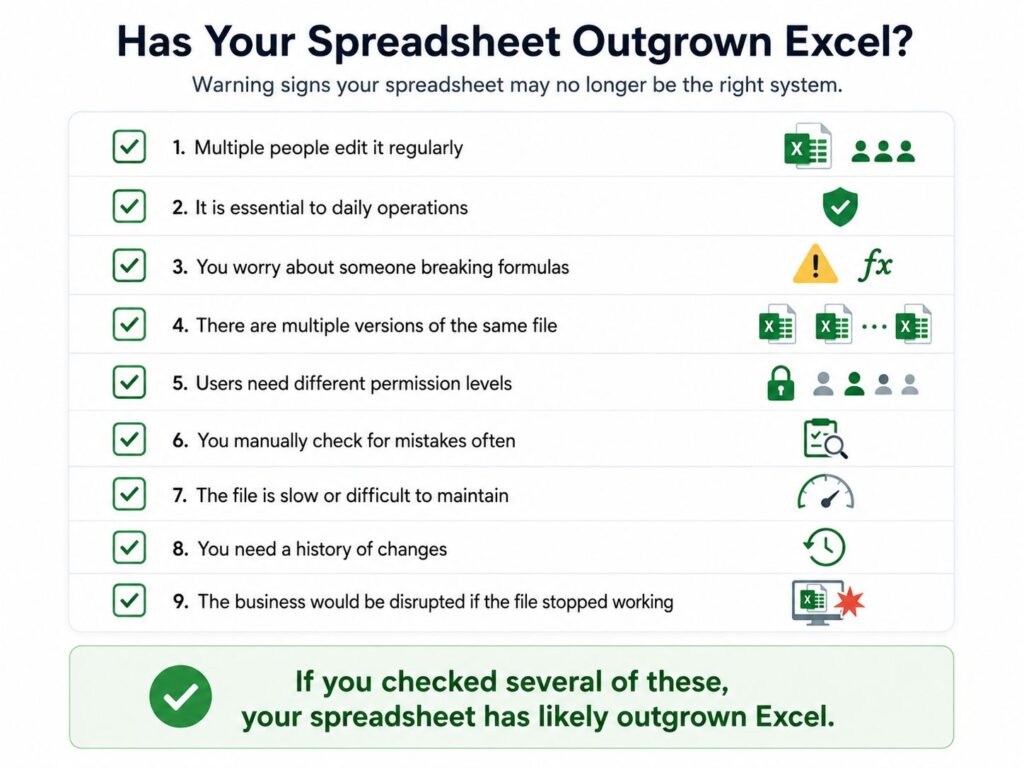
The Warning Signs That Your Spreadsheet Has Outgrown Excel
Your spreadsheet may have outgrown Excel if:
- Multiple people edit it regularly
- The file is essential to daily operations
- You worry about someone breaking formulas
- There are multiple versions of the same file
- Users need different permission levels
- You manually check for mistakes often
- The file is slow or difficult to maintain
- You need a history of changes
- The business would be disrupted if the file stopped working
When these signs appear, it may be time to rethink how the system is built.
The Smarter Move: Turn the Spreadsheet Into a Web Application
The solution is not always to throw away the spreadsheet logic.
In many cases, the business logic inside the spreadsheet is valuable. The formulas, workflows, calculations, and rules may already reflect how the business operates.
The smarter move is to keep that logic, but rebuild it inside a secure web application.
A custom web application can provide the same business functionality with better control, security, and scalability.
Benefits of Rebuilding a Mission-Critical Spreadsheet as a Web App
Centralized Data
Instead of multiple files and versions, all users work from one central source of truth.
Everyone sees the latest information, and the risk of outdated files is reduced.
Role-Based Access
A web application can control exactly who can view, edit, approve, or export specific data.
This is especially useful when different users need different levels of access.
Real-Time Updates
Users can work with live data instead of sending files back and forth.
This improves collaboration and reduces confusion.
Audit History
Every important action can be tracked.
You can see who made a change, when it happened, and what was changed. This creates accountability and makes troubleshooting much easier.
Better Security
A properly built web application can include authentication, permissions, backups, encryption, and controlled access.
This makes it much safer for mission-critical business processes.
Suggested image placement:
Place a comparison graphic here with two columns: “Excel-Based Process” vs. “Web App-Based Process.” This will make the benefits easy to understand at a glance.
When Should You Move Away From Excel?
You do not need to replace every spreadsheet.
Simple spreadsheets are still useful. Excel is still a great tool for analysis and reporting.
But if a spreadsheet is mission-critical, used by multiple people, and carries business risk when something goes wrong, it may be time to move beyond Excel.
A good rule of thumb is this:
If your business depends on the spreadsheet every day, it should probably be more than a spreadsheet.
Final Thoughts
Excel is not failing.
It is simply being asked to do the job of a multi-user business system.
For small tasks, that may be fine. But once a spreadsheet becomes central to operations, the risks become harder to ignore.
More tabs, more rules, more passwords, and more workarounds may help temporarily, but they do not fix the root issue.
If your spreadsheet is mission-critical, has multiple users, and is becoming harder to manage, it may already be time to rebuild it as a secure web application.
That does not mean losing the logic your team already depends on.
It means turning that logic into something more reliable, scalable, and secure.